
Dia went to work. Its home page promises a better workday and its AI now starts at $10 a month. Ace is the helpful browser for the rest of your day: it reads, summarizes, compares and answers right beside the page you are on.
Windows and Mac. Ads and trackers blocked by default. Bookmarks come across in about two minutes.
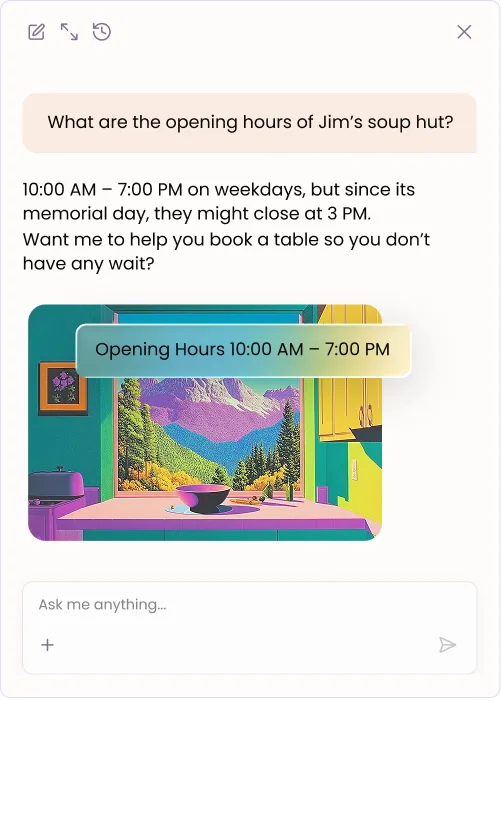 Just ask
What is Dia? Dia is the AI browser from The Browser Company of New York, the team behind Arc, which Atlassian bought in October 2025. As of November 2026 it runs on macOS and Windows and is built for the workday: a Morning Brief, chat across tools like Slack, Notion and Google Workspace, meeting pages and decks. The browser itself costs $0 and has no AI features. AI comes with Better Answers at $10 a month or Better Days at $100 a month, after a 14-day trial.
So what is the best Dia alternative? If you want AI for everyday life instead of for your work tools, Ace: the assistant is on every page, so you highlight and ask, compare open tabs, summarize a video and draft the reply where you type. It comes with 2,000 messages and 20 images a day without Premium, and Premium is $20 a month or $200 a year. Ace runs on Windows 10, Windows 11 and macOS, with an iPhone assistant app. More background: what Dia is and Ace vs Dia in one answer.
Where Dia stands as of November 2026, so you are comparing against today's Dia.
Atlassian completed its roughly $610 million acquisition of The Browser Company. Dia is now pitched at knowledge workers and teams, with SSO and admin tools in Dia for Work.
Dia 1.0 for Windows shipped. Mac and Windows have had seven releases between them in November alone.
The base browser has no AI features. Better Answers is $10 a month, Better Days is $100 a month, and when your Task allowance runs out, AI pauses until the next billing date unless you buy credits.
Arc stops working on Mac and Windows, and The Browser Company is pointing Arc users to Dia. Dia added an Arc importer for them. Still deciding? Read Dia vs Arc or our Arc alternative guide.
Ace is built for the part of the day Dia's home page skips: shopping, planning, reading, replying, and the forty-minute video with one useful minute in it.
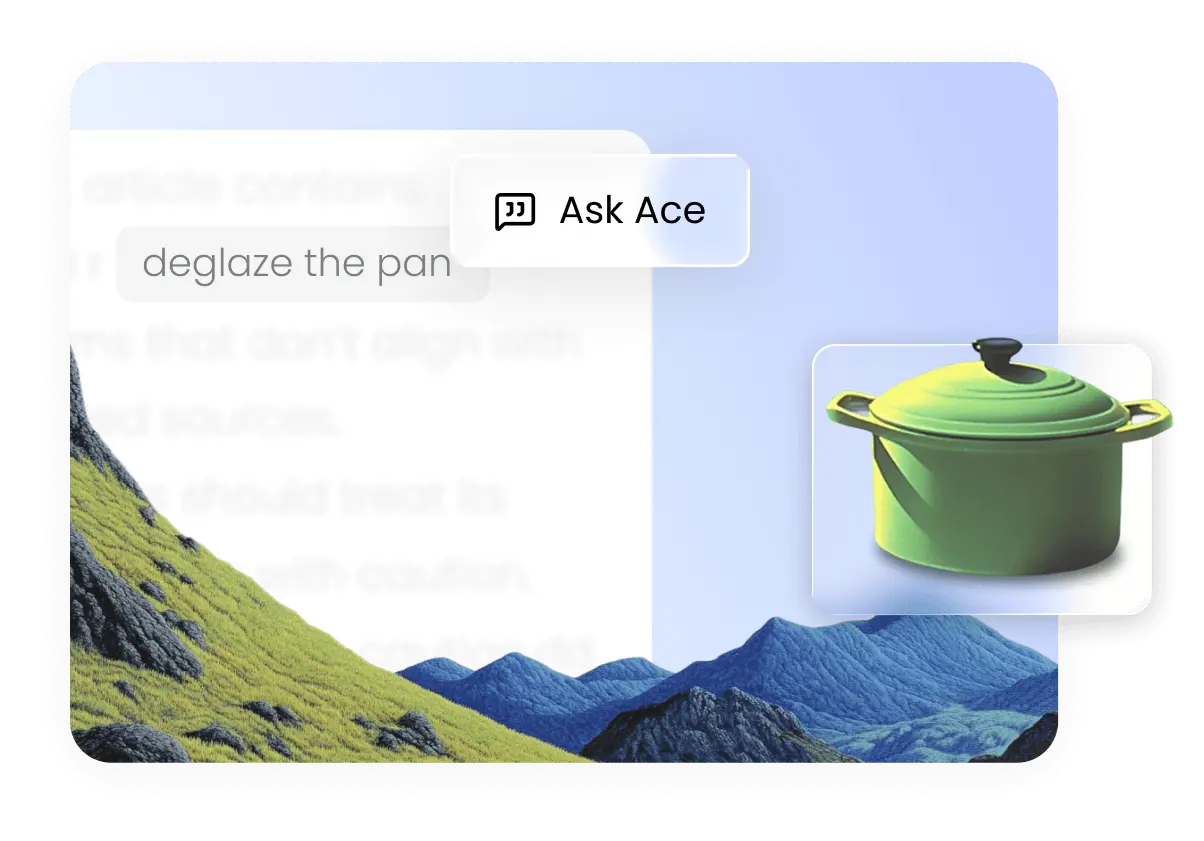
A word, a claim, a chart. Anything on the page is one question away, and Ace answers in a panel beside you so you never lose your place.
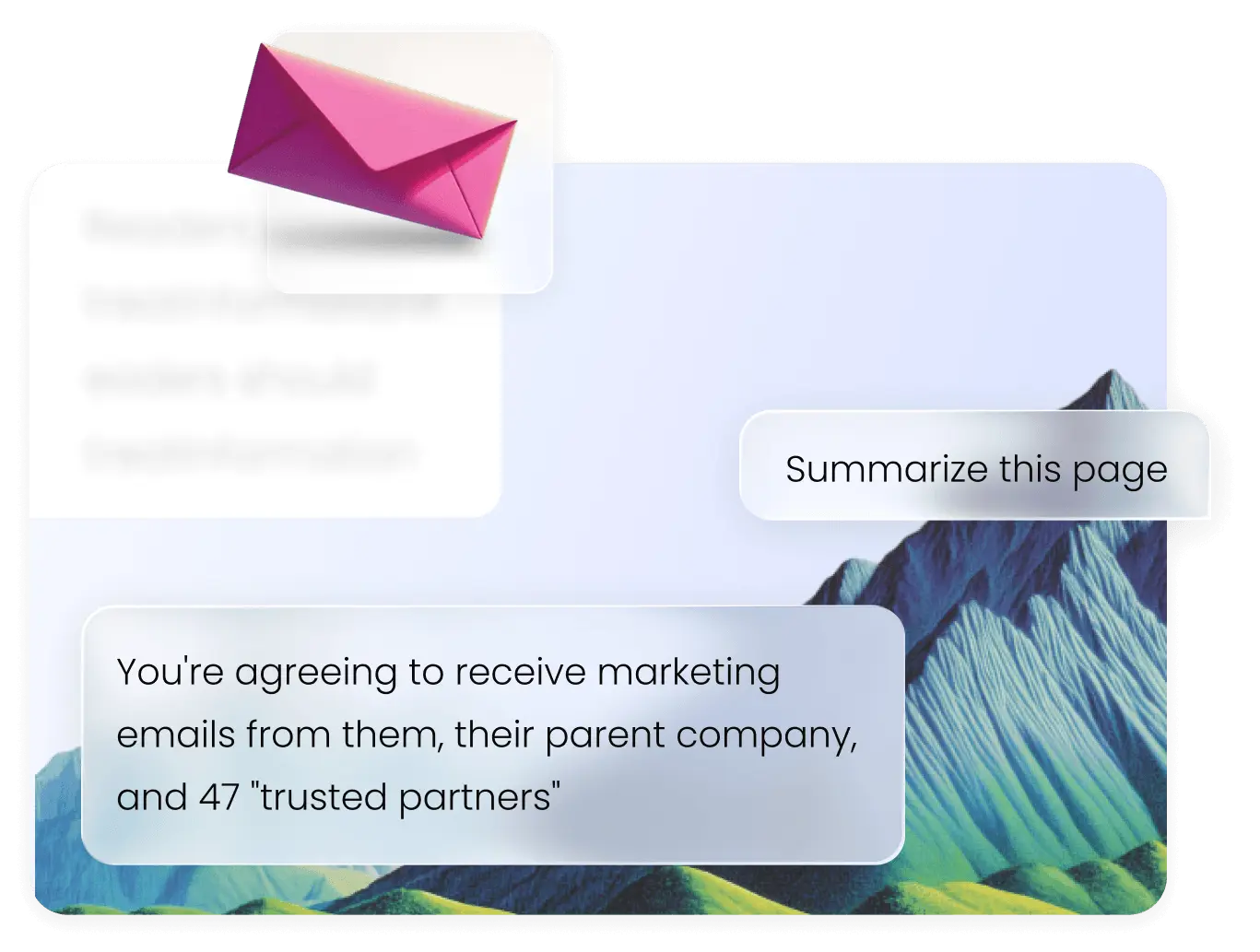
A 3,000-word article or an hour-long video. Ask for the takeaway and Ace tells you what matters, including the short return window buried in paragraph eleven.
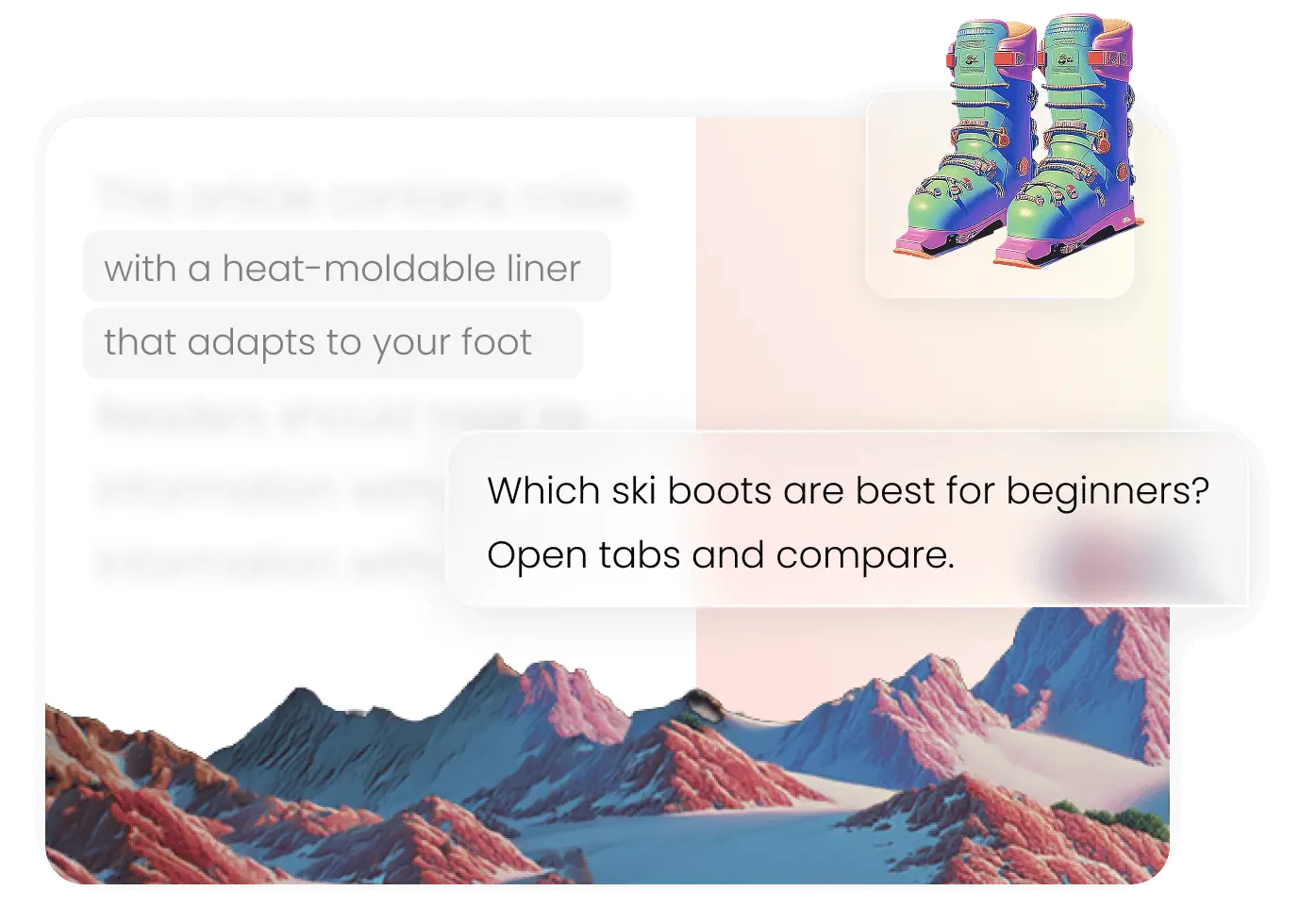
Three vacuums in three tabs. Ace reads across them and tells you which one fits, and mentions that the middle option is overpriced.
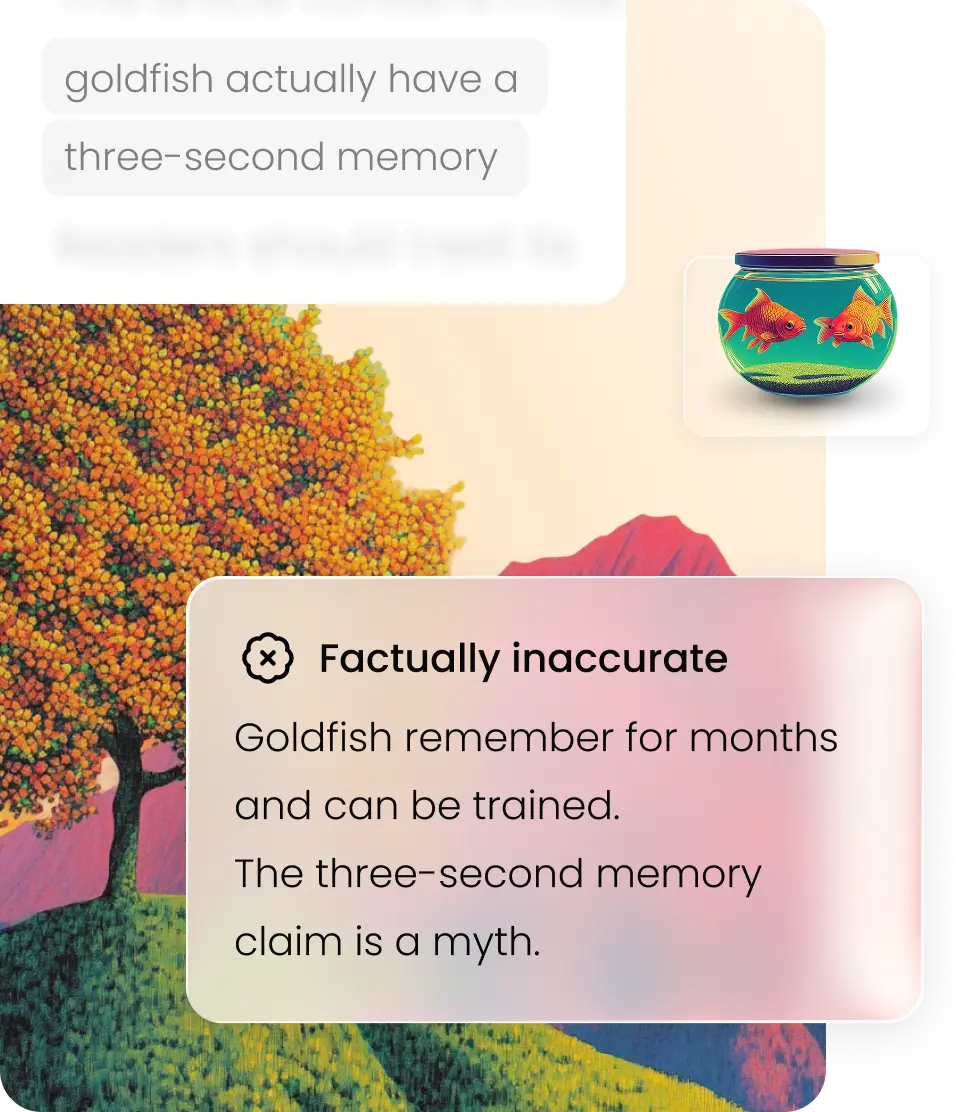
See a claim that sounds off, or a shop that looks too cheap? Ask Ace before you believe it, or before you pay.
The everyday stuff people switch for, made quicker.
Ace vs Dia, row by row, as of November 2026. Where Dia is the better pick, the table says so.
| Dia | Ace | |
|---|---|---|
| Built for | The workday: briefs, meetings, reports, decks | Everyday life: shop, plan, read, reply, create |
| Platforms | macOS and Windows (Windows since Oct 2026) | Windows 10, 11 and macOS, plus an iPhone assistant app |
| AI without a subscription | No. AI pauses after the 14-day trial | Yes, 2,000 messages and 20 images a day |
| Assistant that reads the page you are on | Yes | Yes, highlight and ask |
| Compare open tabs in one answer | Yes | Yes |
| Connects to Slack, Gmail, Notion, Figma | Yes | No. Ace works on the page in front of you |
| Morning Brief and meeting pages | Yes | No |
| Ads and trackers blocked | Yes | Yes, on by default, cookie banners too |
| Tabs | Sidebar tabs, nested tab groups | Tab groups by topic, no vertical tabs |
| Import from Arc | Yes, built-in importer | No importer. Chrome import or a bookmarks HTML file |
| Runs Chrome extensions | Yes, Chromium | Yes, Chromium |
Dia facts are from diabrowser.com, its plans page and changelog as of November 2026, and they change often. Dia and Arc are products of The Browser Company of New York, part of Atlassian. Ace is not affiliated with them.
Weighing more than two? Dia vs Comet, Dia vs Arc, or the long version of Ace vs Dia.
Both browsers charge for heavy AI use. They draw the line in very different places.
| Dia | Ace | |
|---|---|---|
| Without a paid plan | The browser with no AI features, after a 14-day Better Days trial | The browser and the assistant: 2,000 messages and 20 images a day |
| Paid plans | Better Answers $10/month. Better Days $100/month | Premium $20/month or $200/year |
| What paying gets you | A monthly allowance measured in Tasks. Better Days has 20x more asks | Unlimited messages, 1,000 images a month, early access, priority support |
| When you run out | AI pauses until the next billing date, or you buy $20 credit blocks | Daily caps, and Ace tells you when you hit one |
| Smarter AI if you pay more? | More usage per plan | No. Same AI model with or without Premium |
If any of these describe you, stay with Dia and skip the download.
Dia reads across Slack, Gmail, Notion, Figma and your calendar, then writes the brief, the report or the deck. Ace does none of that. It works on the page you have open.
Dia has sidebar tabs, nested tab groups and a built-in Arc importer. Ace has tab groups by topic, no vertical tabs, and no Arc or Dia importer.
Dia for Work adds SSO and admin tools. Ace is built for one person getting through their day, and it does not run errands on other sites unattended.
About two minutes. There is no Dia importer, so bookmarks travel as a file.
Get it from ace.ai/download, for Windows or Mac.
Import bookmarks, passwords and history from Chrome during setup. For bookmarks that only live in Dia, export a bookmarks HTML file and import it into Ace.
Open three shops in three tabs and ask Ace which one to buy from. Then open the long video and ask for the useful minute.
What people ask before leaving Dia, or before trying it at all.
Atlassian. It completed its acquisition of The Browser Company of New York, the team behind Arc and Dia, on October 21, 2025, in a deal of about $610 million. The Browser Company keeps building Dia and runs independently inside Atlassian.
Yes. Dia 1.0 for Windows shipped on October 6, 2026. As of November 2026 Dia runs on macOS and Windows, and both versions get an update most weeks. Ace runs on Windows 10, Windows 11 and macOS, with an iPhone assistant app alongside.
As of November 2026 the Dia browser itself costs $0 and comes with no AI features. AI comes with Better Answers at $10 a month or Better Days at $100 a month, both with a monthly usage allowance measured in Tasks, and extra usage sold in $20 blocks. New users get a 14-day Better Days trial with no card. When the trial ends without a plan, Dia's AI features pause.
It depends on what you want the AI for. If your day is meetings, Slack, Notion and decks, Dia is built for exactly that. If you want an assistant for everyday life (comparing products, planning a trip, summarizing a long video, drafting the reply), Ace is the closer fit. The assistant is on every page and comes with 2,000 messages and 20 images a day without Premium.
Yes, by hand. Ace has no Dia importer. During setup Ace imports bookmarks, passwords and history from Chrome, so if Chrome still holds your logins that is the quickest route. For bookmarks that only live in Dia, export them as a bookmarks HTML file and import that file into Ace. Open tabs, tab groups and Chat history do not come across.
Premium is $20 a month or $200 a year: unlimited messages, 1,000 images a month, early access and priority support. Without Premium you get the whole browser and the assistant with 2,000 messages and 20 generated images a day. The AI model is the same on both.
Yes. Both block ads and trackers. In Ace it is on by default, cookie banners are dismissed too, and Ace shows no ads of its own.
Quite a bit, if your browser is your office. Dia connects to work tools like Slack, Gmail, Notion and Figma, writes a daily Morning Brief, opens meeting pages with the agenda ready, builds decks, keeps tabs in a sidebar and imports straight from Arc. Ace has no vertical tabs, no Dia or Arc importer, no team admin tools, and it does not run errands on other sites unattended. It works on the page in front of you.
Yes. Ace runs on Windows 10, Windows 11 and recent macOS, with one account for both, plus an iPhone assistant app. Get it from ace.ai/download.
Ace is the helpful browser. AI inside, you in charge, on Windows and Mac.
Get Ace